
Workout logging
Keep your workout moving
Add exercises, log sets, check your last numbers and keep an eye on rest without leaving the session. When you finish, Focal turns what you logged into a simple recap.


Exercise library
Search your library and add exercises to the session
Find movements quickly, filter by muscle group or equipment when browsing, then confirm your selection. Focal drops the exercise straight into your active workout with history and rest presets ready to go.


Live logging
Log every set without breaking flow
Weight, reps and RPE in a table built for the gym floor. Previous bests sit beside each set, rest timers keep you honest, and personal bests trigger a quiet celebration when you earn them.
Partner workouts
Invite a friend to train alongside you
Tap the partner button mid-session to invite someone you both follow. When they join, switch between your sets and theirs, with head-to-head stats on shared lifts.


Custom exercises
Create movements that are not in the library
When a lift is not in the catalogue, search for it and tap Create. Name it, pick equipment and muscles, add an optional photo, and save it straight into your active session, right after the sets you have already logged.
Form guides
Watch curated YouTube demonstrations
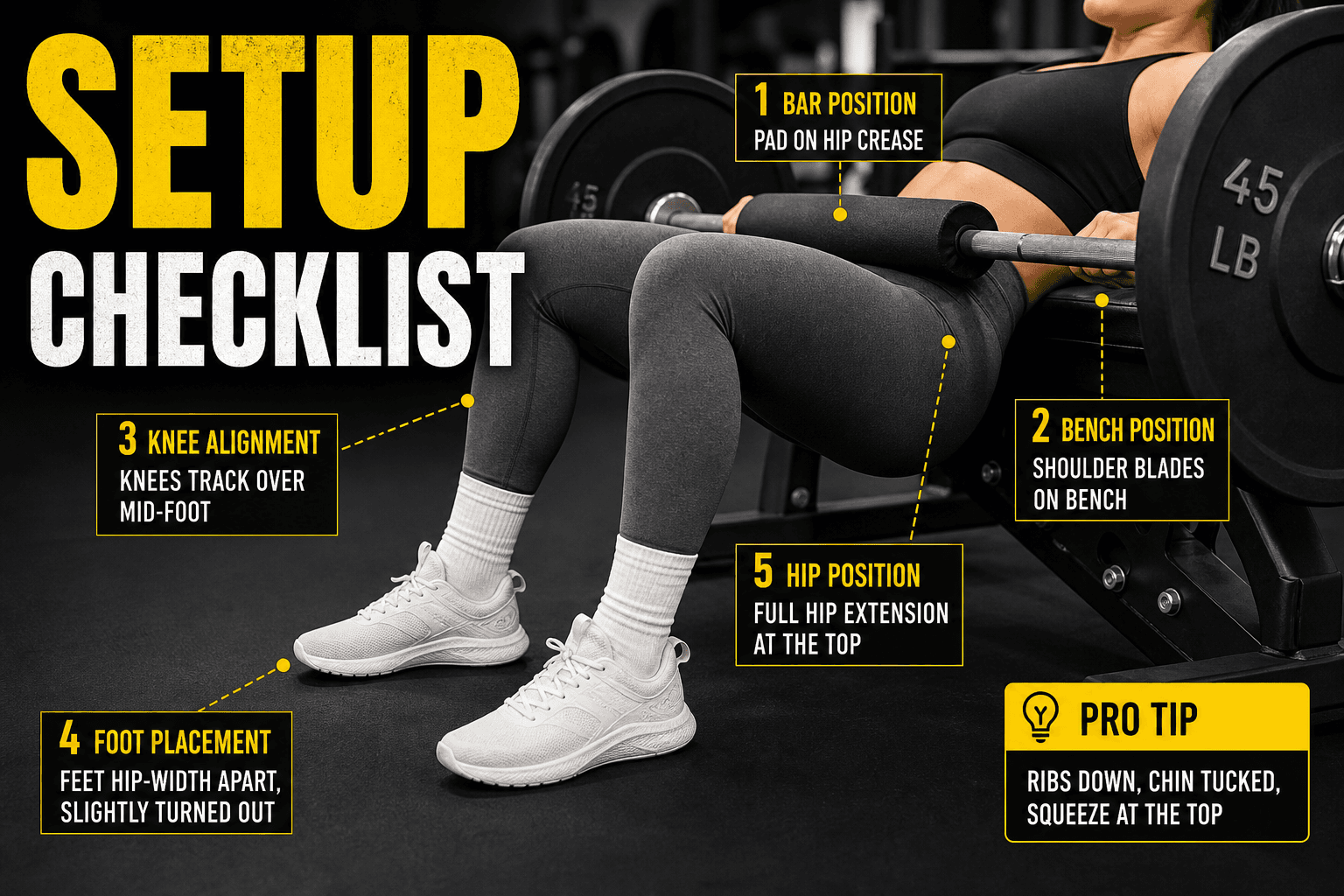
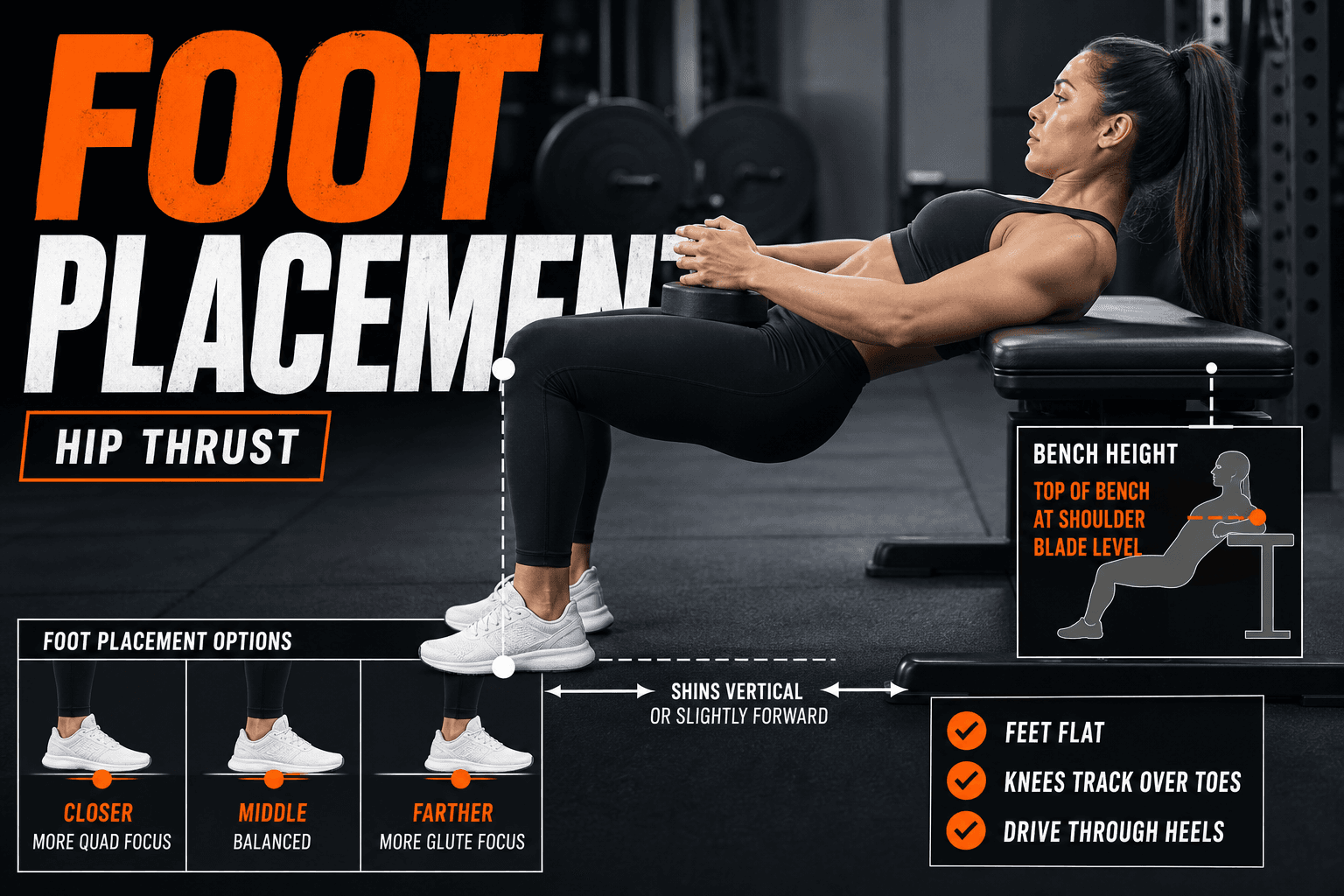
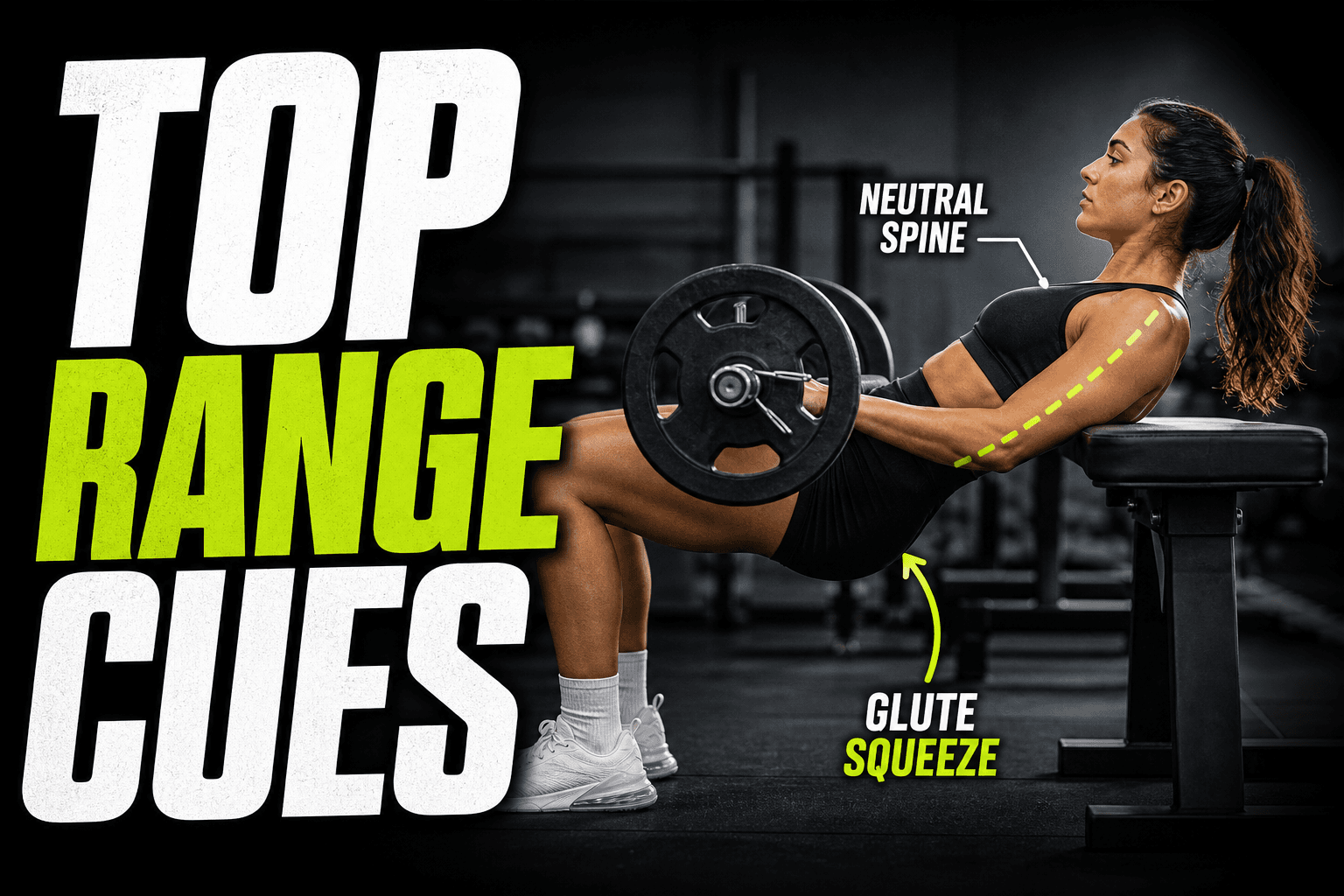
Tap How to on any library exercise and Focal loads hand-picked form videos from YouTube. Switch between demonstrations without leaving your session, so you can check technique between sets.
Save and recap
Finish with a clear summary of what you achieved
When the session ends, Focal tallies XP, surfaces personal bests and highlights trends against your recent training. Add notes, adjust duration and save to your history in one place.
Start your training log with Focal
Log workouts, track nutrition and see your progress in one place. Download on iOS today. Android is coming soon.